

Table of Contents
- What Makes Educational Apps Right for 3-Year-Olds
- Screen Time for 3-Year-Olds: Finding the Right Balance
- Free Educational Apps for Toddlers Worth Downloading
- Preschool Learning Apps That Build Core Skills
- Apps for Toddlers to Learn Letters and Numbers
- Safety, Privacy, and Hidden Costs to Watch For
- How to Make Educational Apps Part of a Balanced Learning Day
- Frequently Asked Questions
Last Updated: October 16, 2026
What Makes Educational Apps Right for 3-Year-Olds
Finding the right educational apps for 3 year olds means understanding what works at this age. Three-year-olds need apps that feel like play, not lessons.
At Dewey Does, we’ve been creating content that matches how young children learn since 1999. The best apps for this age are interactive, colorful, and short, attention spans last just a few minutes.
Age-Appropriate Design and Interface
The interface matters more than the features. A three-year-old can’t read instructions or navigate complex menus.
Look for large, colorful buttons and instant responses to taps. Confusing layouts frustrate kids and kill the learning moment.
Bright colors and simple animations engage toddlers, but too much movement overwhelms them. The best apps balance visual interest with calm design.
Learning Through Play vs. Passive Watching
This is where many apps fail. A passive app is a screen version of a TV show; a learning app lets your child control what happens.
Tap a button, something changes. Drag an object, it moves. This cause-and-effect loop teaches problem-solving without feeling like work.
Apps requiring active participation build skills faster than passive videos. When kids tap, swipe, and drag, their brains engage more deeply.
Screen Time for 3-Year-Olds: Finding the Right Balance
The American Academy of Pediatrics recommends limiting screen time for young children. Quality matters more than quantity.
Thirty minutes a day is a reasonable target. Some days you’ll do less, some more, the goal is balance, not perfection.
Educational apps work best as a tool, not a replacement for play.
The key is intentionality: choose a specific app for a specific skill, let your child use it for 15 to 20 minutes, then move on.
Free Educational Apps for Toddlers Worth Downloading
Free apps let you test whether your child enjoys learning through screens before spending money. But “free” means different things across the app store, and the differences matter most at age three.
The Three Kinds of “Free” You’ll Actually Encounter
Free with ads. The app is free but shows banner or interstitial ads.
Free with a subscription gate. The download is free, but most content sits behind a monthly or annual subscription.
Free with in-app purchases (IAP). The core experience is free, but extra packs, letter sets, number ranges, story chapters, cost $2 to $5 each.
Genuinely free. A smaller group of apps is free with no ads, subscription, or IAP, usually funded by nonprofits, public broadcasters, or as a loss leader.
What to Look For Before You Download
- “No ads” and “No in-app purchases” listed in the app store description. If either phrase is missing, assume the opposite.
- A stated age range that includes 3. Apps labeled 4+ or 5+ often assume pre-reading skills your child does not have yet.
- Offline mode. Apps that work without Wi-Fi are useful on car rides and on airplanes, and they usually collect less data.
A Practical Free-First Workflow
- Download two or three genuinely free apps that target different skills, one for letters, one for numbers, one for open-ended play.
- Watch your child use each one for a full session. Note which one they return to without prompting.
- Only then consider paying. If a paid version removes ads and unlocks content your child already loves, the upgrade is usually worth it. If your child ignores the app after a week, cancel or delete.
Free does not mean low quality. Some of the strongest early-learning content is funded by public media or nonprofits and is free precisely because it is not trying to sell your child anything. Start there, and treat paid apps as an upgrade rather than a starting point.
Preschool Learning Apps That Build Core Skills
The best preschool learning apps target specific skills your three-year-old needs. Different apps excel at different things.
Language and Literacy Development
Language apps teach letters, sounds, and simple words. Look for audio prompts, since three-year-olds learn by hearing words repeated.
Clear voice narration helps kids understand what’s happening: when your child taps a letter, hearing the sound reinforces the connection.
Interactive storytelling apps let kids tap words and see pictures, building vocabulary and phonics awareness without feeling like a lesson.
Numbers, Counting, and Early Math
Counting apps make math concrete: kids see five objects, hear “five,” and tap to count them, building number sense.
Matching games build number recognition, matching the number “3” with three objects is a fundamental connection.
The best math apps move slowly. They don’t rush to complex concepts. Mastering counting and basic number recognition at three is a win.
Apps for Toddlers to Learn Letters and Numbers
Letter Recognition and Phonics
Letter apps teach kids to recognize shapes and sounds, and the best ones animate how letters are written.
Watch a letter draw itself, hear the sound, tap to repeat.
Phonics apps teach letter sounds before letter names: kids learn “m” makes a “mmm” sound before it’s called “em,” building reading readiness.
Interactive letter tracing lets kids practice without pressure, tapping and dragging to trace letters, with gentle feedback instead of frustration.
Interactive Math and Counting Games
Counting games use objects kids recognize, apples, stars, animals, not abstract shapes.
Drag-and-drop games let kids move objects into groups: putting three apples in a basket teaches “three” through action.
Reward systems keep kids motivated, stars, sounds, or simple animations celebrate success so kids want to keep playing.
Games that repeat the same concept with different visuals prevent boredom: count apples, then stars, then toys, same skill, fresh visuals.
Safety, Privacy, and Hidden Costs to Watch For
Most roundups of apps for three-year-olds skip this section, but the risks at this age are structural, they come from how the app is built and monetized, not from anything your child does wrong.
A Five-Minute Pre-Install Safety Check
Run this checklist before you tap “Get” on any app for a three-year-old:
- Read the app store privacy label. Look at “Data Used to Track You” and “Data Linked to You.” For a three-year-old, the ideal answer is “Data Not Collected” or, at most, anonymous diagnostics. Anything that includes identifiers, location, or contact info is a pass.
- Search the description for the words “ads,” “subscription,” and “purchase.” If any appear, plan to disable purchases and set a screen-time limit before handing over the device.
- Check the age rating and the “In-App Purchases” line. An app rated 4+ can still contain IAP. The rating reflects content, not monetization.
- Open the app once yourself, as an adult. Tap into settings, look for a parent gate, and see whether any ad or upsell appears within the first 60 seconds. If it does, delete it.
- Confirm the developer has a real privacy policy. If the link is broken or the policy is a single paragraph, treat that as a signal about how seriously the developer treats child data.
What COPPA Actually Requires
The Children’s Online Privacy Protection Act (COPPA) governs apps directed at children under 13 (the FTC). In practice, for a parent of a three-year-old, COPPA means:
- The app cannot collect personal information, names, photos, voice recordings, precise location, from your child without verifiable parental consent.
- The app cannot condition participation on your child disclosing more information than is reasonably necessary.
- You have the right to review and delete any data the app has collected about your child.
COPPA does not ban advertising to children outright, and it does not require apps to be ad-free. That is why the privacy label and your own five-minute check matter more than the law alone.
The Hidden Costs That Actually Show Up
- Auto-renewing subscriptions. A “free” download that converts to a paid subscription after a 7-day trial. Cancel at least 24 hours before the trial ends.
- Currency and gem packs. Common in game-style learning apps. A three-year-old cannot distinguish a $2 pack from a $20 pack, and both look like a colorful button.
- “Unlock full version” prompts. Often $3 to $8, sometimes recurring. These frequently appear mid-activity, right when your child is most engaged.
Data Practices to Prefer
When two apps teach the same skill, choose the one that:
- Collects no personal data, or only anonymous usage data.
- Stores progress locally on the device rather than in a cloud account.
- Does not require a login for a three-year-old to use the core content.
None of this requires technical expertise. It requires five minutes before the first launch and a device-level setting you only have to change once.
How to Make Educational Apps Part of a Balanced Learning Day
Apps work best paired with offline activities: screen time plus real-world practice creates stronger learning.
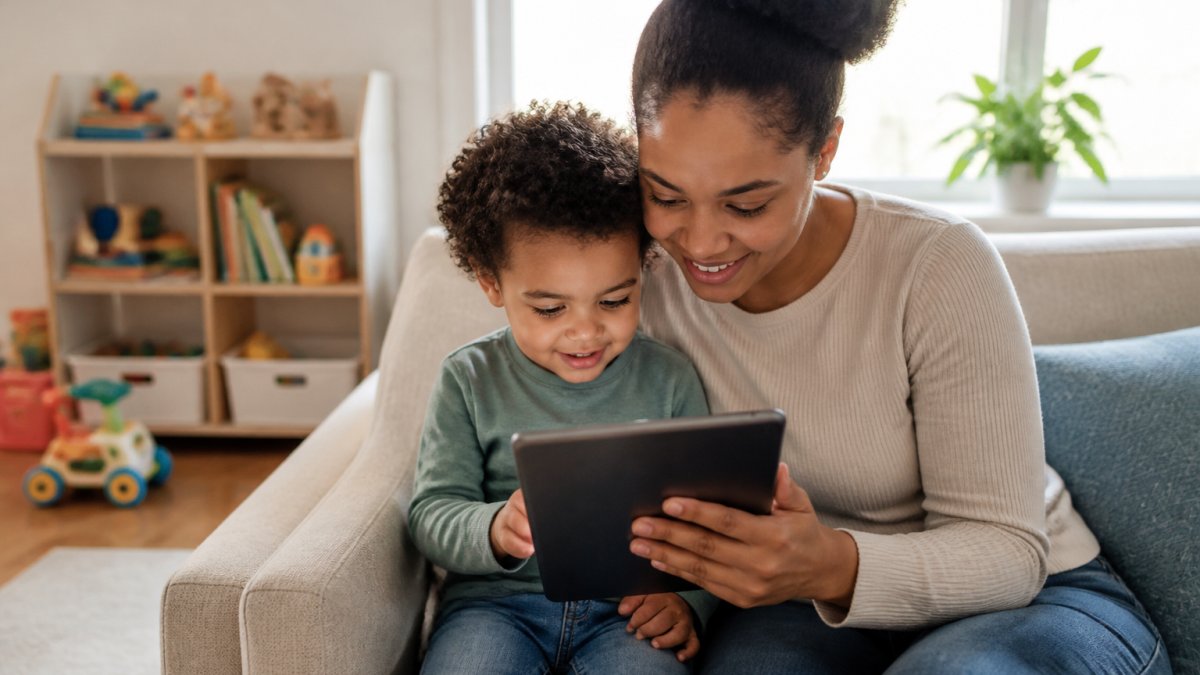
Pairing Apps with Offline Activities
If your child uses a letter app, follow up with physical letter blocks: tap “A” on screen, then build it with blocks.
Story apps can lead to book reading: after an interactive story, read a physical picture book together.
This layered approach teaches that learning happens everywhere. Not just on screens. The app is one tool in a bigger toolkit.
Tracking Progress and Adjusting for Your Child’s Needs
Most apps show simple progress, levels completed, stars earned.
If your child completes a level easily, move forward.
Every three-year-old develops differently, one might love letters, another numbers.
Watch your child use the app: engaged, frustrated, or bored?
Finding the right educational apps for 3 year olds takes time.
Dewey Does has been helping families balance screen time with engaging, age-appropriate content since 1999. When you choose apps that prioritize play over pressure, your child learns faster and loves the process more. American Academy of Pediatrics guidance on screen time for young children recommends quality over quantity.
The apps you choose now build habits that last.
Frequently Asked Questions
How much screen time should a 3-year-old have each day?
The American Academy of Pediatrics recommends high-quality programming for no more than one hour per day for children ages 2 to 5, with co-viewing when possible. Educational apps should complement hands-on play, outdoor time, and parent-child interaction, not replace them. Most families find success with 15-30 minute sessions spread throughout the day rather than longer blocks, paired with offline activities that reinforce what the child learned.
Are free educational apps for toddlers really effective, or do I need to pay for a subscription?
Free educational apps for toddlers can absolutely support learning, especially for alphabet recognition, colors, and basic counting. Many high-quality options exist at no cost. The difference is often in ad frequency, progress tracking features, and content variety. A paid subscription typically offers ad-free play, more diverse activities, and offline modes. For most families, starting with free options and upgrading only if your child engages consistently is a smart approach.
What should I look for in a learning app for a 3-year-old?
Look for apps that use interactive games and activities rather than passive videos, have a simple, intuitive interface your child can navigate with minimal help, include no ads or in-app purchases, and offer age-appropriate content focused on early literacy, numbers, colors, and shapes. Progress tracking helps you see what your child has practiced. Check privacy policies to ensure the app doesn’t collect unnecessary data. Reading parent reviews about engagement and whether the app actually holds children’s attention is also valuable.
Can one educational app subscription work for multiple children of different ages?
Many educational apps allow multiple user profiles within a single subscription, so a 3-year-old and an 8-year-old can each access age-appropriate content. However, check the app’s features before purchasing—some offer this flexibility, while others are designed for one child per account. Having separate profiles lets you track each child’s progress independently and ensures content difficulty matches their level, so both children stay engaged without frustration.